
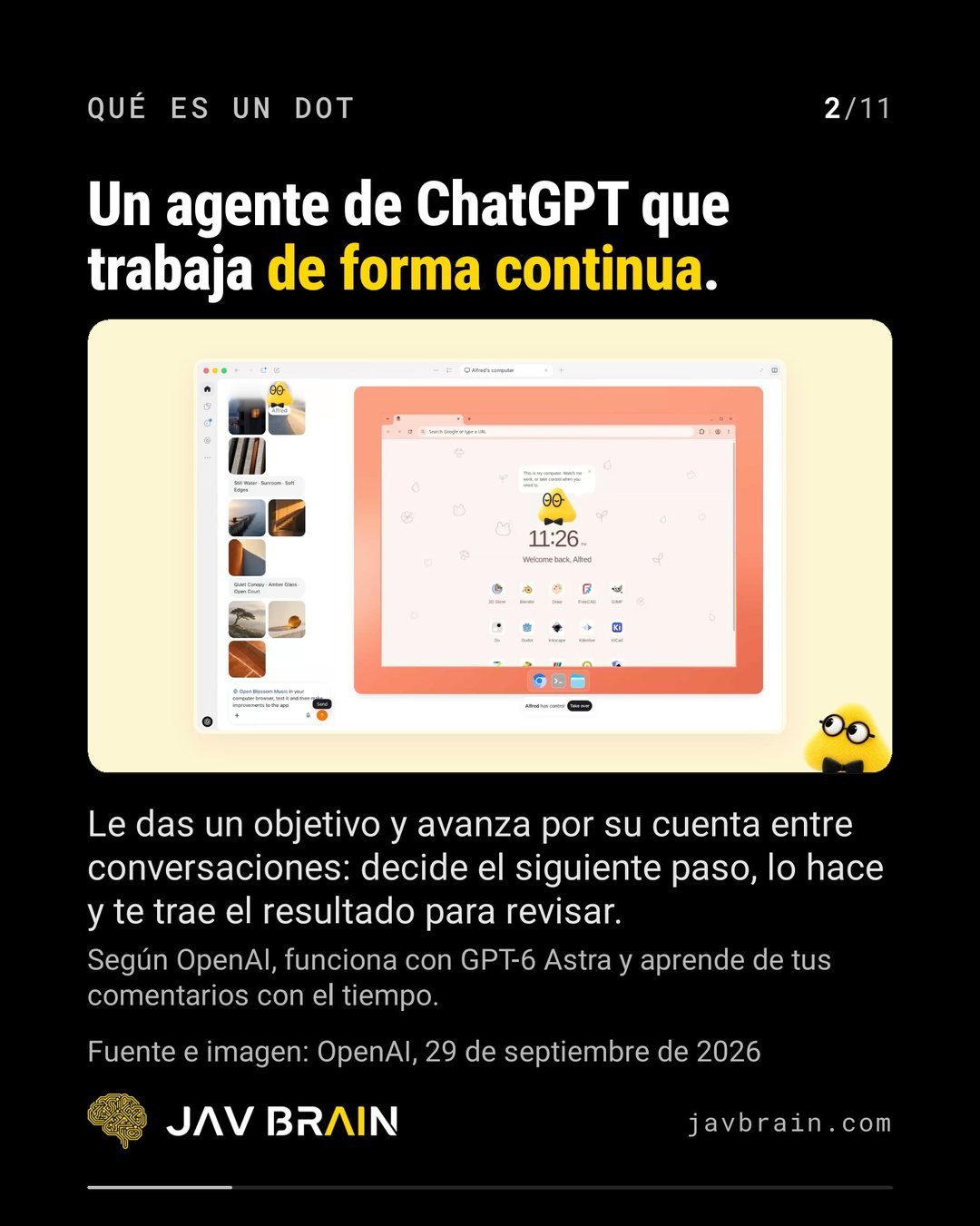
An OpenAI dot is a ChatGPT agent that works continuously: you give it a goal and it moves forward on its own between conversations, decides the next step, does it and brings you the result to review. For a company, the question is not whether to try it but which process to start with and which permissions to grant. This article summarizes OpenAI’s official documentation as we captured it in our LinkedIn carousel (data as of September 30, 2026; the rollout is gradual and may change) and adds how we would deploy it.
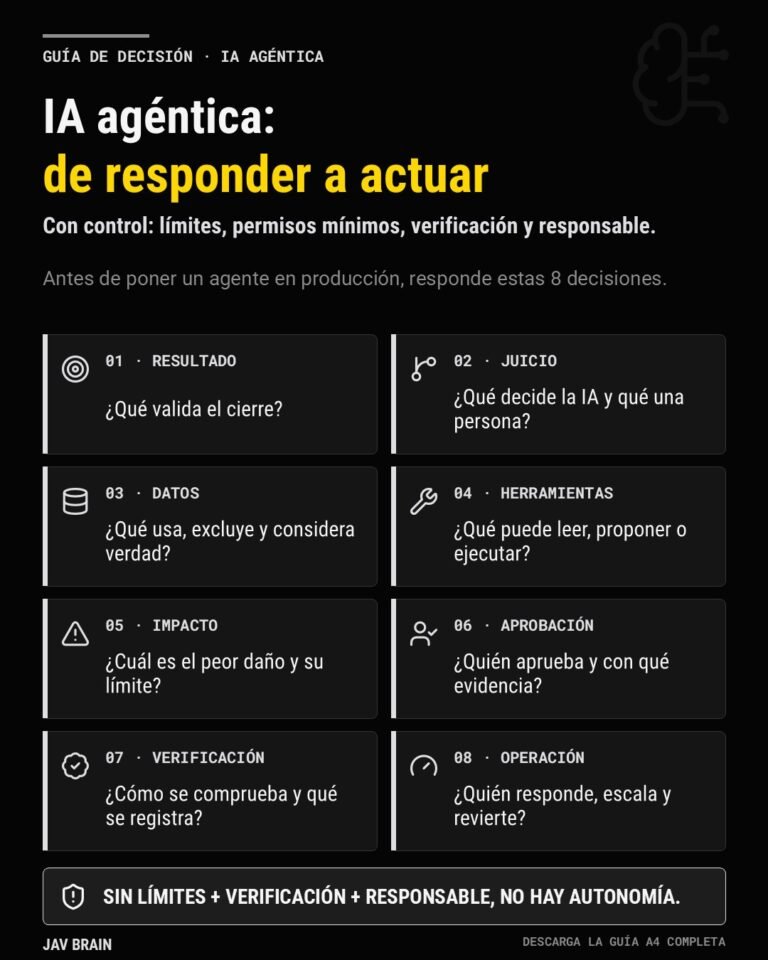
If you are already thinking about agents inside your organization, read it alongside the agentic company: how to govern AI agents and the 8 decisions before an agent acts.
What is an OpenAI dot?
According to OpenAI, which presented it on September 29, 2026, a dot is a ChatGPT agent that works continuously and learns from your feedback over time; the company says it runs on GPT-6 Astra. The difference from a chat is that it does not wait for you to write: it has goals and pursues them.
How is it different from a chat?
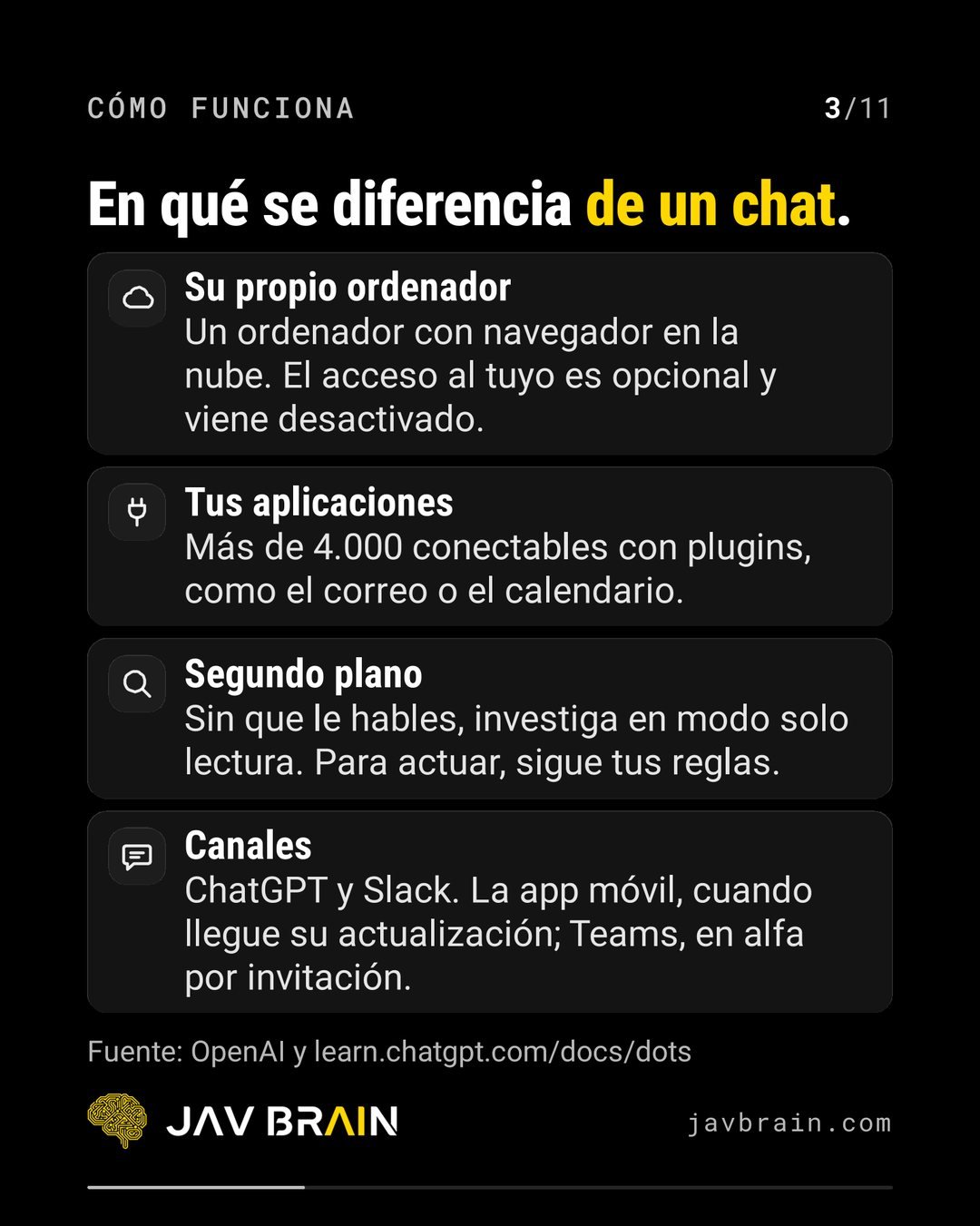
OpenAI describes it through four traits:
- Its own computer: a computer with a cloud browser. Access to yours is optional and off by default.
- Your apps: more than 4,000 connectable through plugins, such as email or calendar.
- Background: without you talking to it, it researches in read-only mode. To act, it follows your rules.
- Channels: ChatGPT and Slack. The mobile app once its update arrives; Teams, in alpha by invitation.
What tasks would a company use it for?
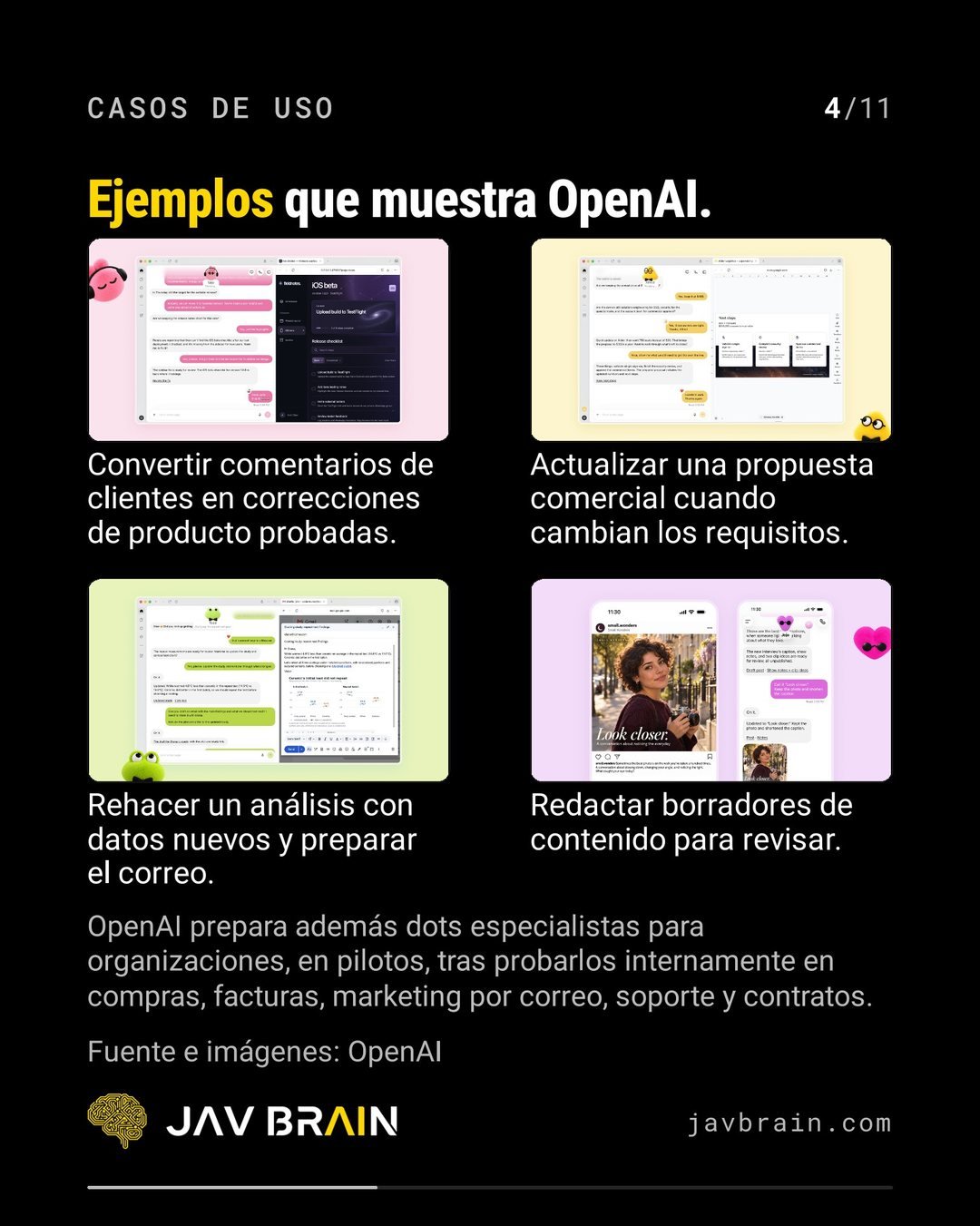
The examples OpenAI shows are multi-step tasks with a result that a person reviews: turning customer feedback into tested product fixes, updating a sales proposal when requirements change, redoing an analysis with new data and preparing the email, or drafting content for review.
OpenAI is also preparing specialist dots for organizations, in pilots, after testing them internally in procurement, invoices, email marketing, support and contracts.
Who can use it in Europe?
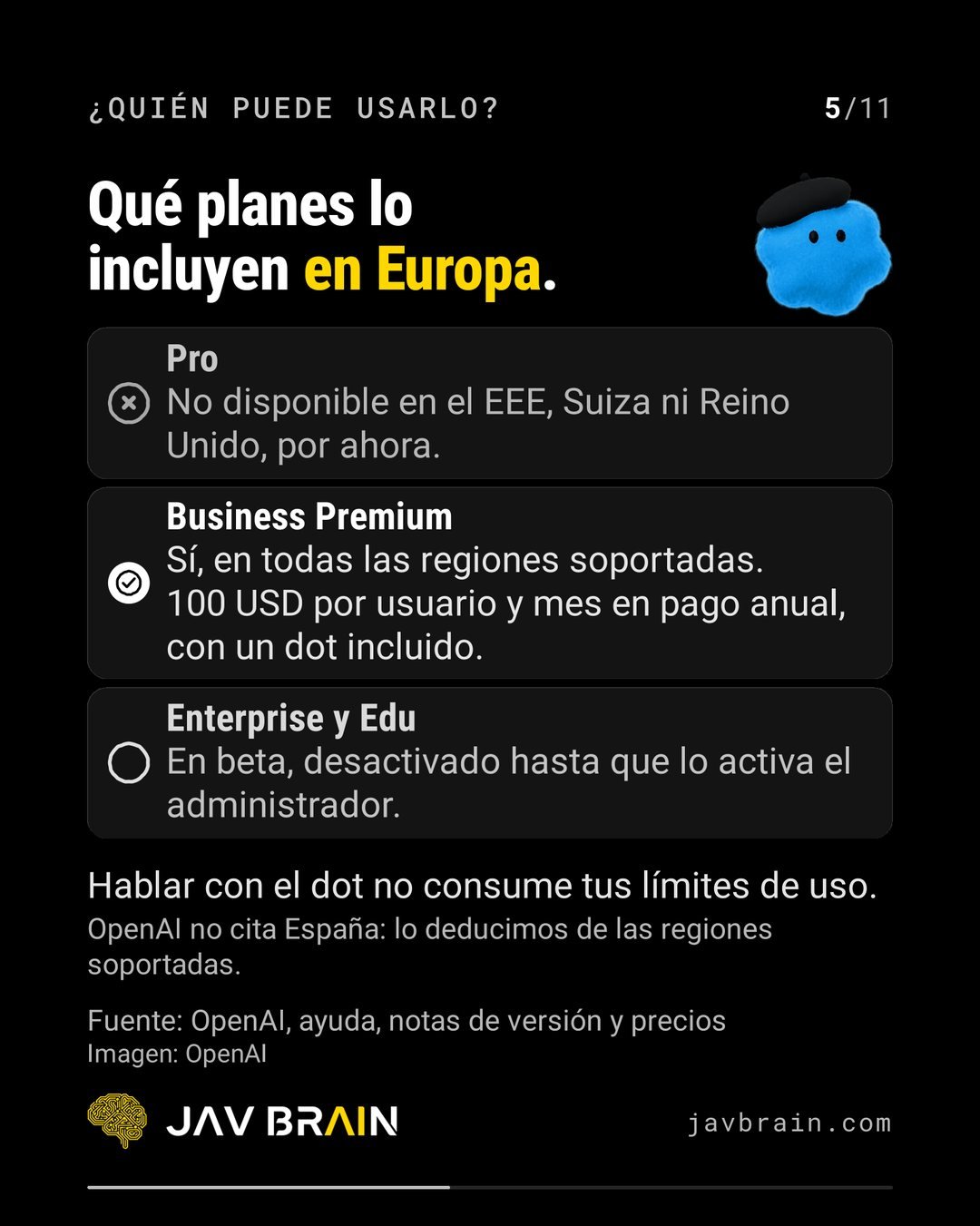
It depends on the plan, according to what the guide draws from OpenAI’s release notes and pricing:
- Pro: not available in the EEA, Switzerland or the United Kingdom, for now.
- Business Premium: yes, in all supported regions. 100 USD per user per month on annual billing, with one dot included.
- Enterprise and Edu: in beta, off until the administrator turns it on.
Talking to the dot does not use up your usage limits. OpenAI does not name Spain: we infer it from the supported regions, so confirm it against your plan before you plan around it.
How do you create your first dot?
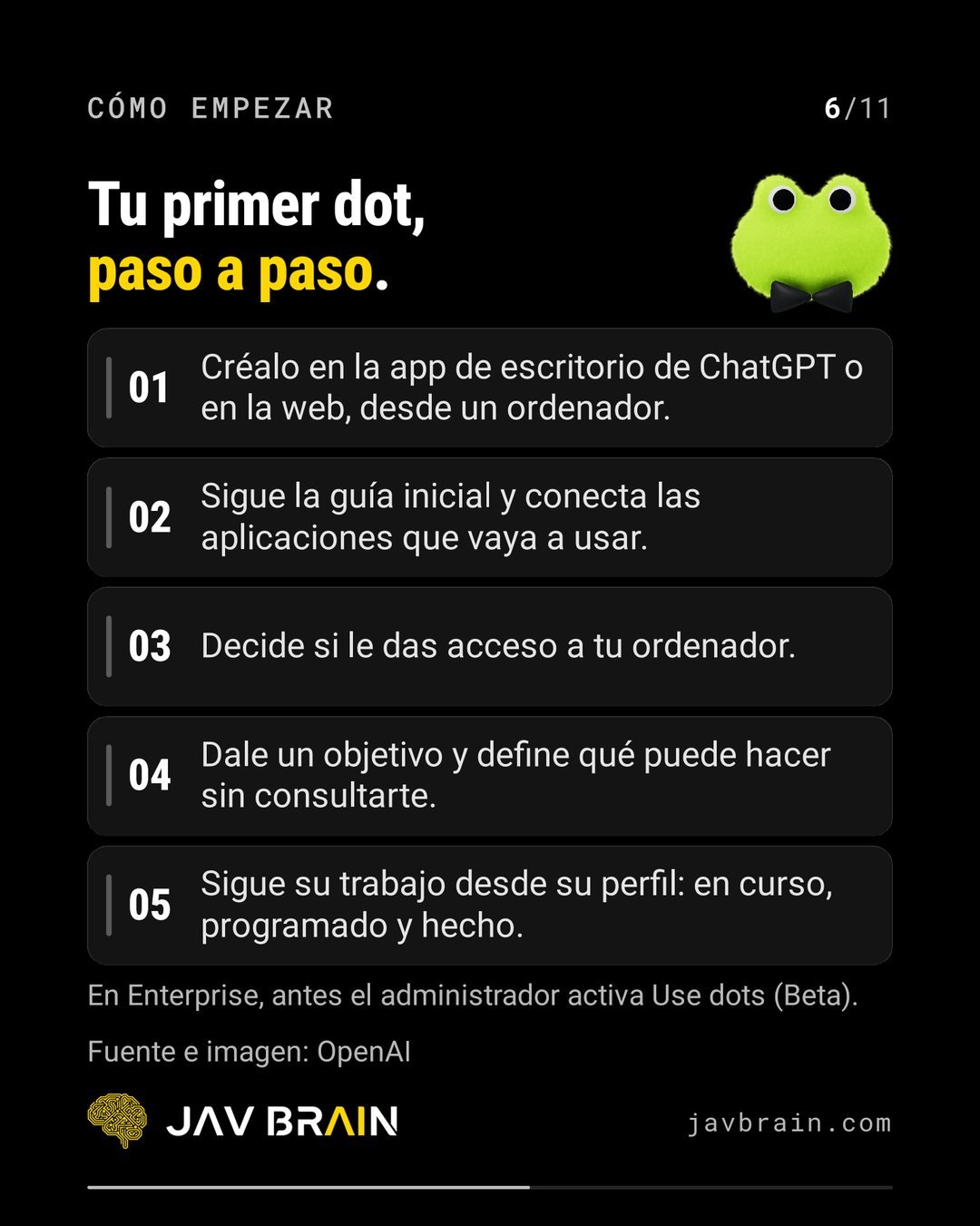
Five steps. On Enterprise, the administrator first turns on “Use dots (Beta)”.
- 1. Create it in the ChatGPT desktop app or on the web, from a computer.
- 2. Follow the setup guide and connect the apps it will use.
- 3. Decide whether to give it access to your computer.
- 4. Give it a goal and define what it can do without asking you.
- 5. Follow its work from its profile: in progress, scheduled and done.
How do you control what it does without asking?
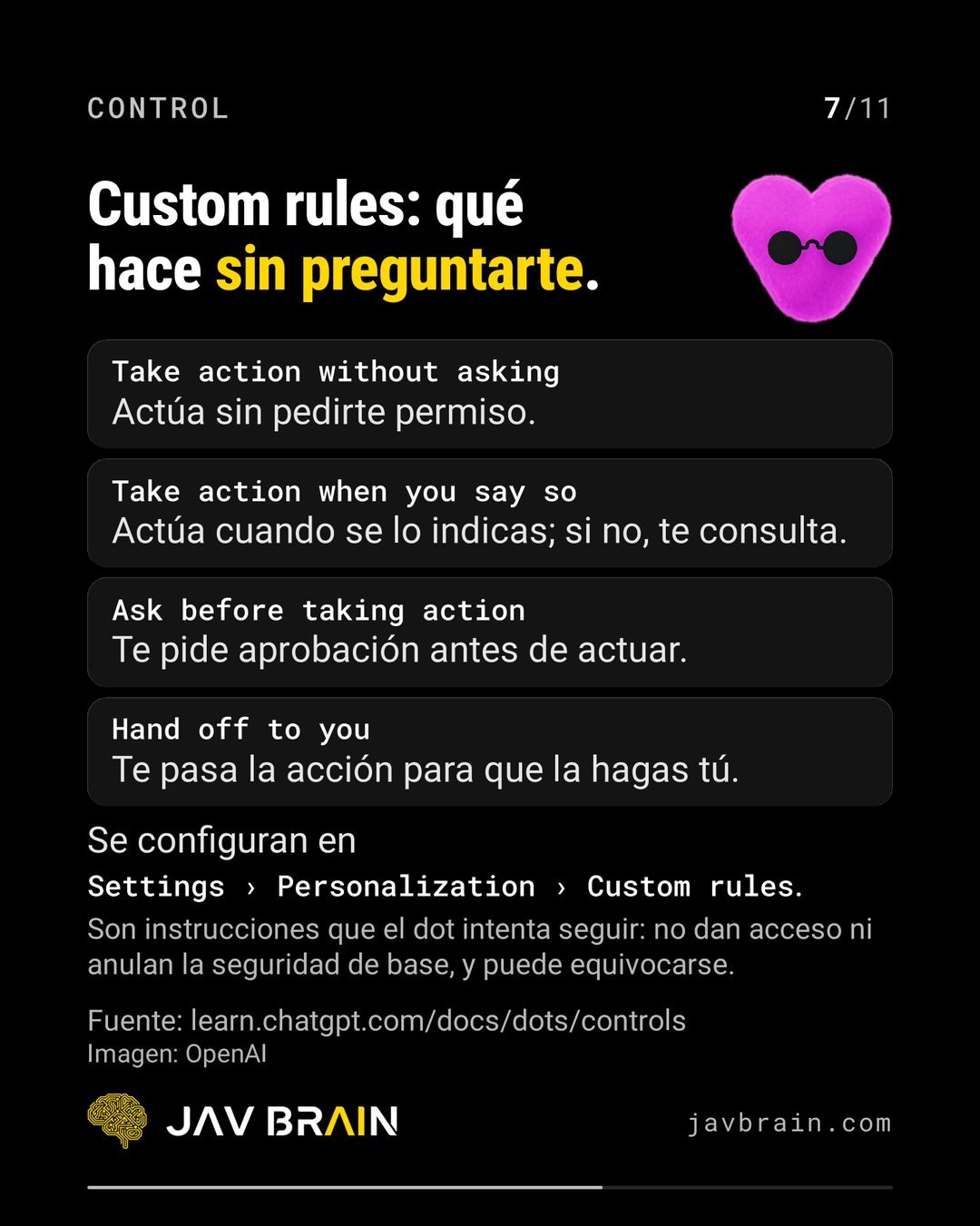
With custom rules, set in Settings › Personalization › Custom rules. There are four levels:
- Take action without asking: it acts without asking permission.
- Take action when you say so: it acts when you tell it to; otherwise it asks you.
- Ask before taking action: it asks for your approval before acting.
- Hand off to you: it hands the action over for you to do.
Mind the caveat OpenAI points out: these are instructions the dot tries to follow. They do not grant access or override baseline security, and it can make mistakes.
What security and data limits does OpenAI set?
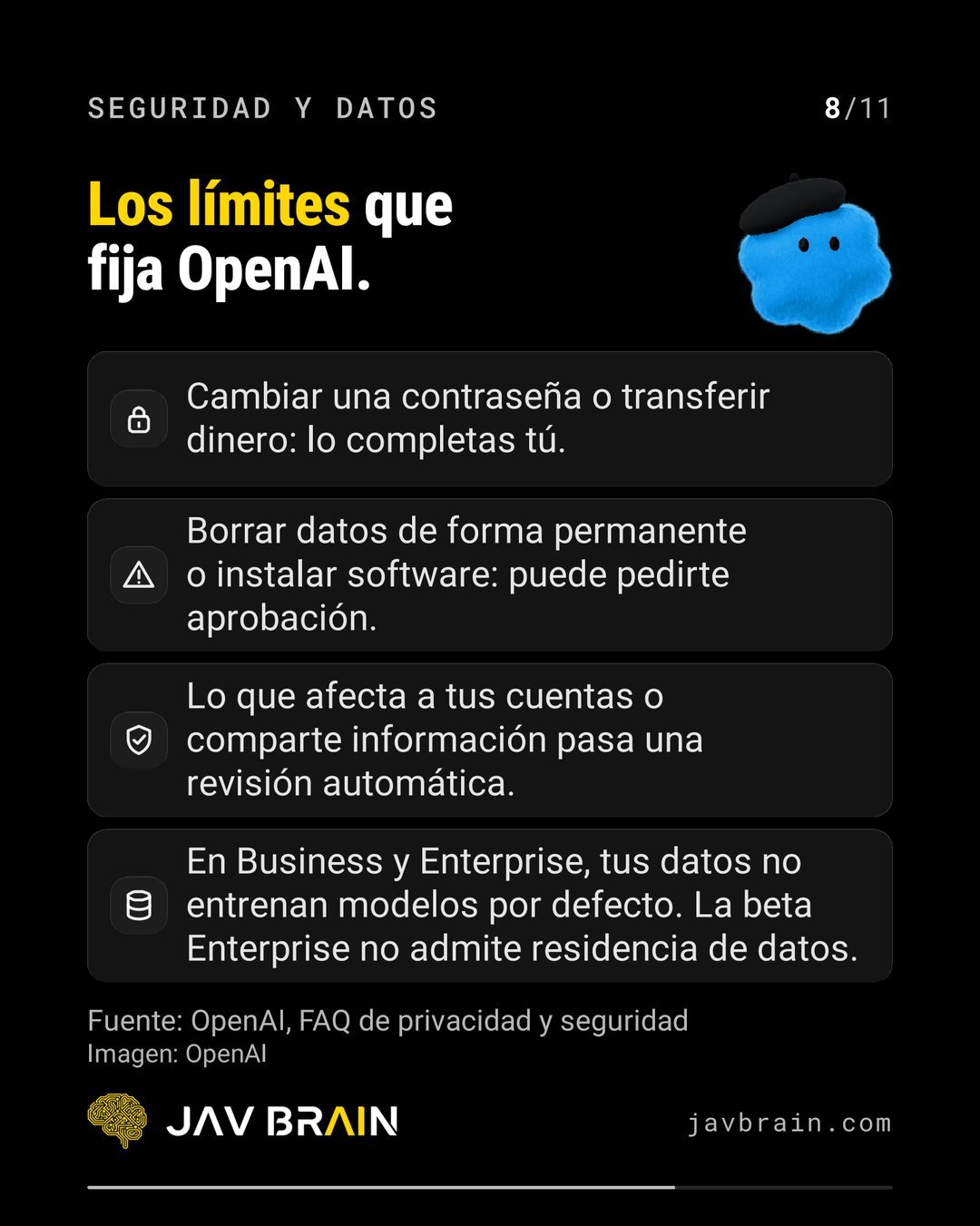
- Changing a password or transferring money: you complete it yourself.
- Permanently deleting data or installing software: it may ask for your approval.
- Anything that affects your accounts or shares information goes through an automatic review.
- On Business and Enterprise, your data does not train models by default.
- The Enterprise beta does not support data residency.
If the dot will touch customer data, validate it first with your data protection officer.
What happens if you need to stop it?
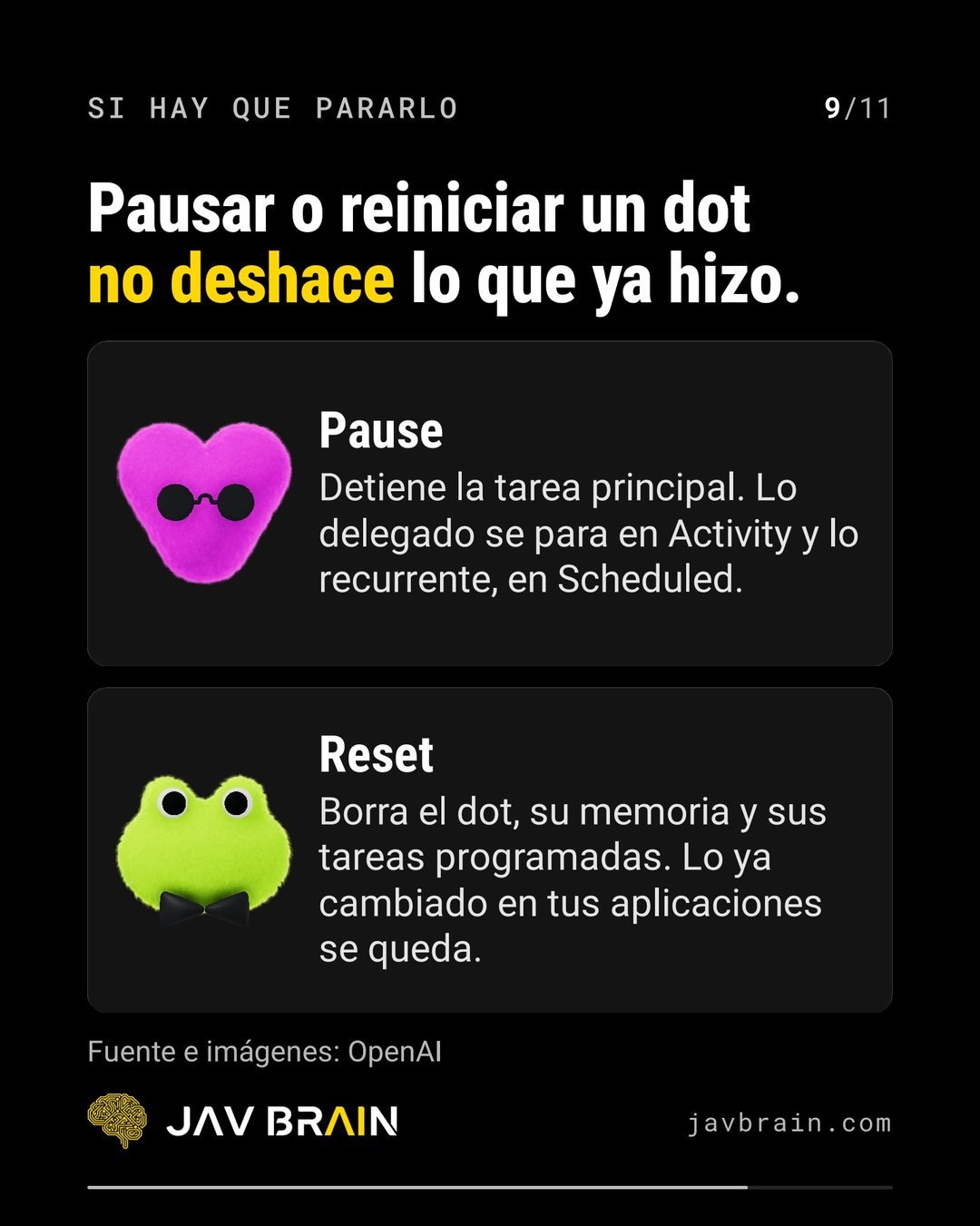
Pausing or resetting a dot does not undo what it already did. Pause stops the main task: delegated work stops in Activity and recurring work in Scheduled. Reset deletes the dot, its memory and its scheduled tasks, but whatever it already changed in your apps stays. That is why it pays to limit what it can change from the start.
How would we deploy it in a company?
This is JAV BRAIN’s own criterion, not OpenAI’s documentation:
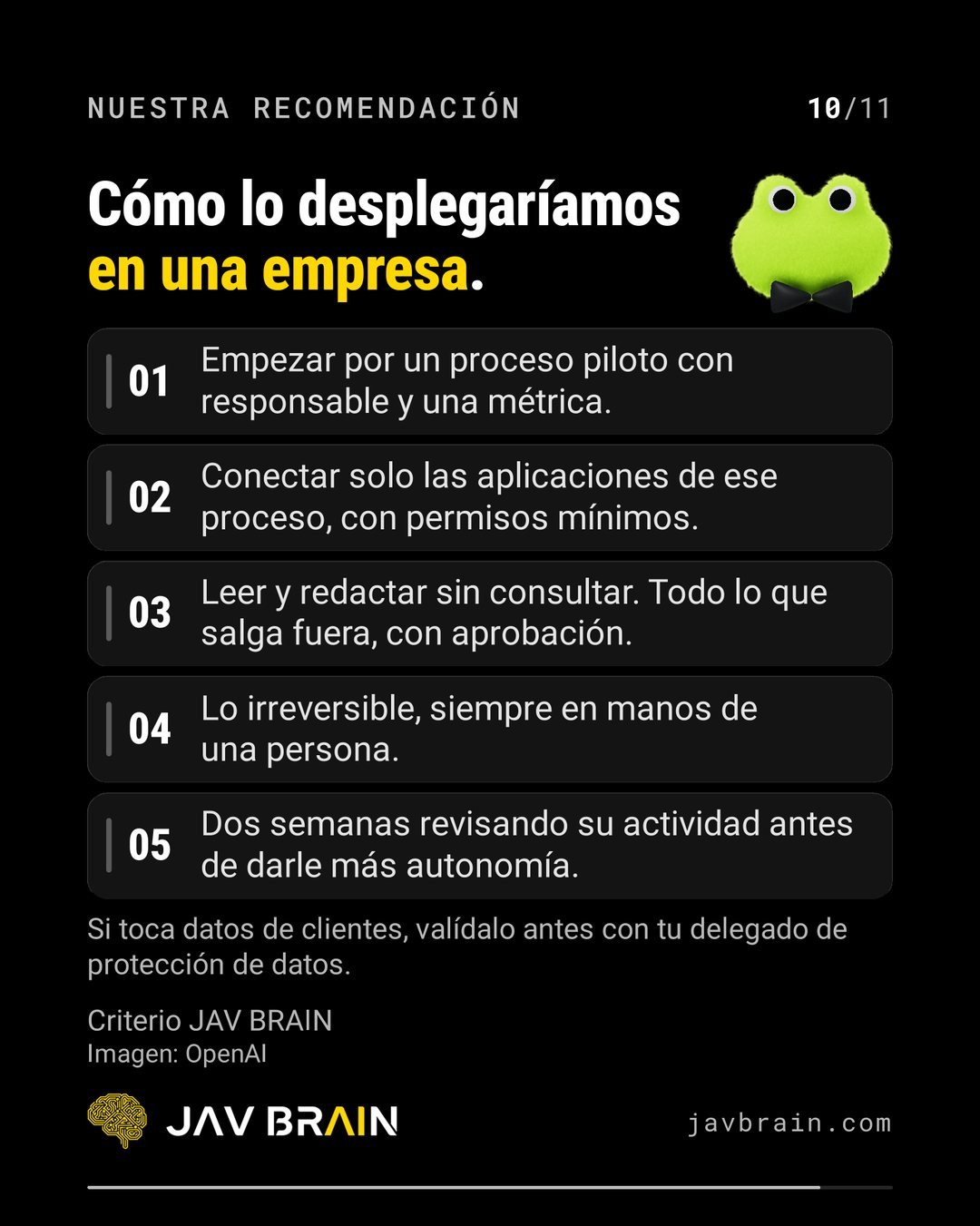
- 1. Start with a pilot process that has an owner and one metric.
- 2. Connect only that process’s apps, with minimum permissions.
- 3. Read and draft without asking. Anything that leaves the company, with approval.
- 4. Anything irreversible stays in a person’s hands, always.
- 5. Two weeks reviewing its activity before giving it more autonomy.
The question that closed the carousel still stands: which process in your company would you hand to a dot first?

Frequently asked questions
What is an OpenAI dot?
It is a ChatGPT agent that works continuously: you give it a goal and it advances on its own between conversations, decides the next step and brings you the result to review.
Can a dot act without my permission?
Only if you configure it that way. Custom rules range from acting without asking to handing the action back to you, and OpenAI notes they are instructions the dot tries to follow, not a guarantee.
How should a company get started?
With a single pilot process that has an owner and a metric, minimum permissions, approval for anything that leaves the company, and two weeks reviewing its activity before granting more autonomy.
Want to try AI agents with control in your company? We deploy agents with this same criterion through our agents and automation service. Book a free exploratory session and we will pick the first process together. You can also see the original LinkedIn post.